Perfect Radio Automation: Myth or Reality?
In the quest for the perfect radio automation system, DIY enthusiasts often find themselves at a crossroads. Is perfection attainable, or is it more about getting creative with the tools available? Let’s explore how you can craft your ideal setup.
Understanding Radio Automation Basics
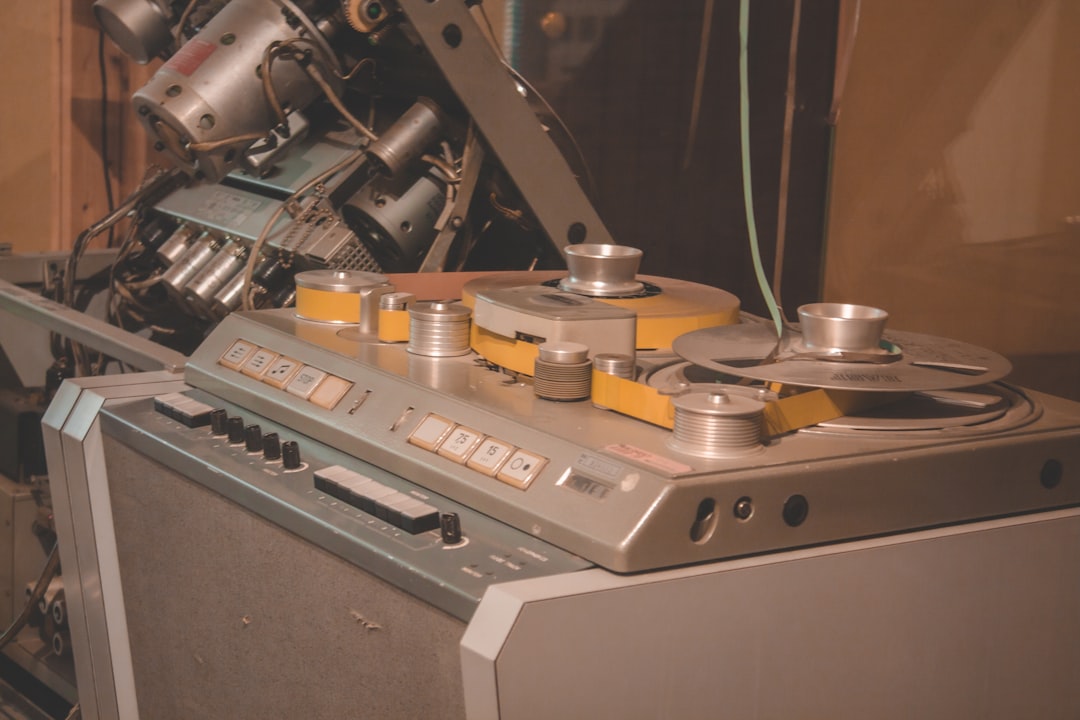
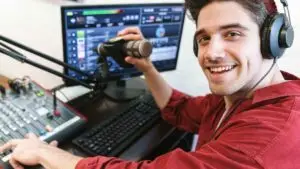
Radio automation refers to the use of software to manage and schedule programming without constant manual input. This technology is crucial for ensuring that content is played consistently, allowing radio stations to operate smoothly and efficiently. Common features in these systems include playlist scheduling, voice tracking, and live broadcasting capabilities. With the right setup, radio automation can significantly enhance the quality and reliability of broadcasts.
Exploring Popular Tools: Azuracast & Loovacast
Azuracast: This open-source, self-hosted web radio management suite offers a plethora of features that make it a favorite among enthusiasts. Benefits include easy setup, a user-friendly interface, and extensive customization options. Azuracast supports a wide range of formats and provides powerful DJ tools, making it a versatile choice for any station.
Loovacast: Complementing Azuracast, Loovacast provides additional functionalities aimed at enhancing the user experience. It offers robust analytics, seamless integration with social media, and enhanced listener engagement features. Together, these tools provide a comprehensive solution for radio automation needs.
Customizing Your System: Making It Work for You
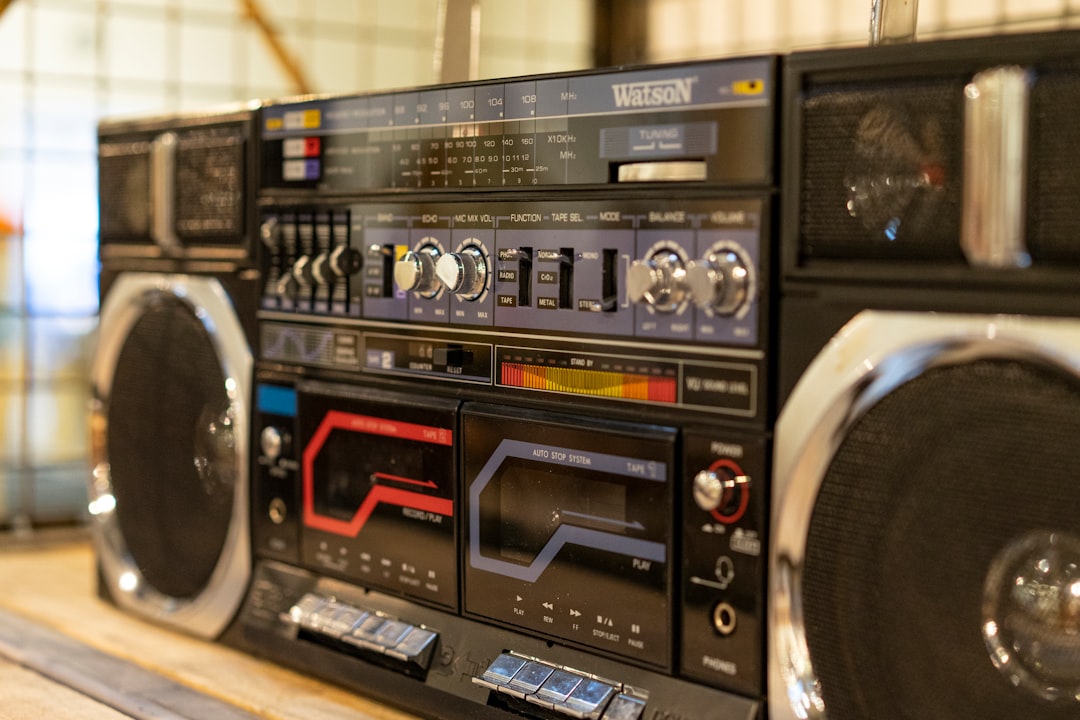
Customizing your radio automation system is key to making it work for you. Here are some actionable tips:
- Tailor Azuracast: Utilize its extensive customization options to align with your station’s brand and style. Experiment with different scheduling formats and integrate your music library effectively.
- Integrate Loovacast Functionalities: Use Loovacast’s advanced analytics to understand your audience better. Engage with listeners through social media integration and feedback tools.
Troubleshooting Common Challenges

Even the best systems can run into challenges. Here are some practical solutions:
- Streaming Issues: Ensure your internet connection is stable and bandwidth is adequate. Use diagnostic tools within Azuracast to identify and resolve issues quickly.
- Consistency and Quality: Regularly update your playlists and maintain your equipment to ensure a high-quality broadcast. Consider using Lumabot’s customer service solutions for additional support.
“The perfect system may not exist, but a well-optimized one can feel just right.”
Future-Proofing Your Radio Station
As technology evolves, so should your radio station. To future-proof your setup:
- Stay Updated: Regularly check for software updates and new features in both Azuracast and Loovacast. These updates often include performance improvements and new functionalities.
- Engage with the Community: Join forums and groups to stay informed of best practices and emerging trends. Utilize Lumabot features to streamline operations and enhance efficiency.
“Embrace creativity and keep evolving to maintain a cutting-edge broadcast.”
While the quest for the perfect radio automation system may never truly end, with tools like Azuracast and Loovacast, you can certainly create a setup that feels just right for your needs. Embrace creativity and keep evolving!
Call-to-Action: With LoovaCast, you can be ON-Air in minutes! Set up your station now!