AI‑Powered Audio Normalization
Consistent loudness is the silent hero behind listener retention. When your stream jumps from whisper‑quiet to ear‑splitting, listeners quickly hit the mute button or change stations. That volatility hurts the audience flow and hurts the perception of professionalism.
Enter AI‑driven normalizers. Tools like Levelator and Auphonic have been around for years, but 2024 brings tighter integration with streaming platforms. LoovaCast’s built‑in normalizer runs in real‑time, analyzing each incoming audio packet and adjusting gain to hit a target loudness level.
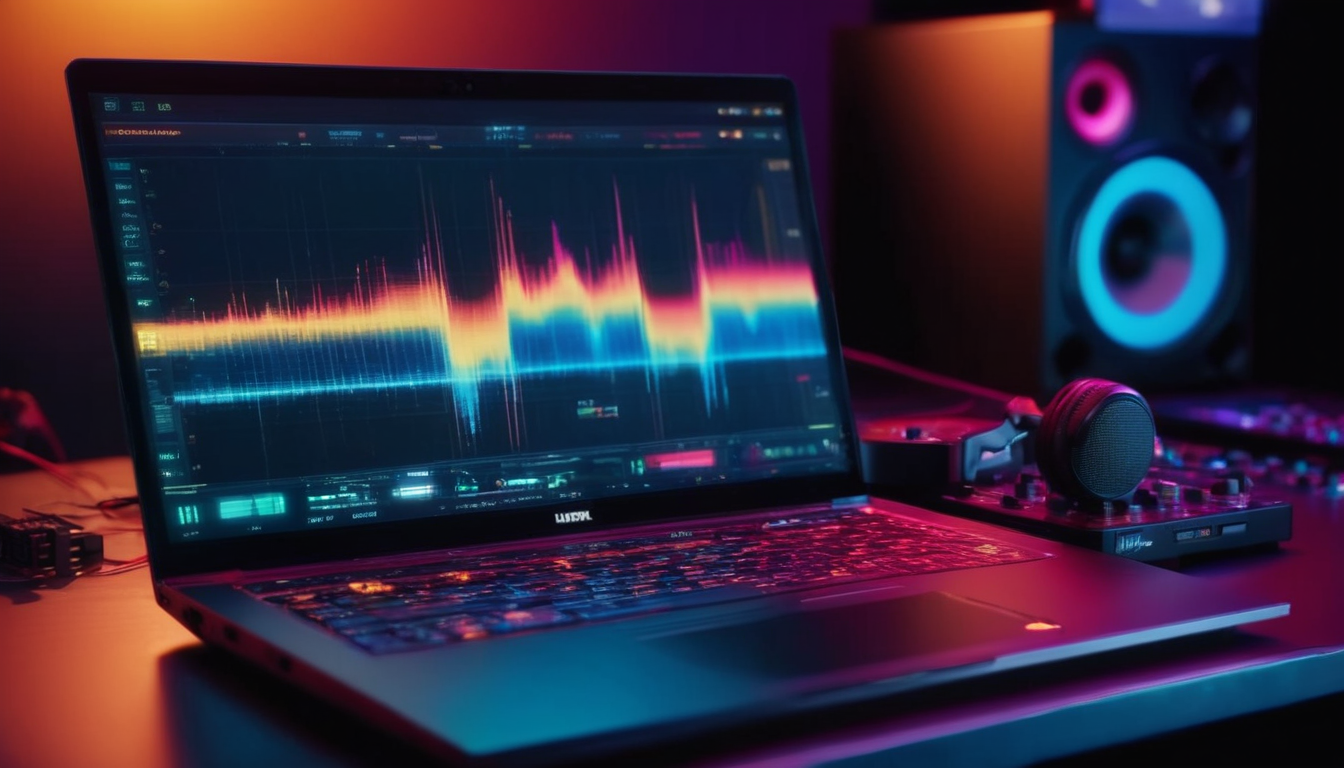
Real‑time normalization works by measuring LUFS (Loudness Units Full Scale) and applying subtle compression and gain changes on the fly. The result is a smooth, even sound that feels natural to ears tuned to commercial radio. You’ll notice fewer “pump‑up” moments and a steadier vibe that keeps listeners in the groove.
To integrate this into your live show, start by enabling the normalizer in the LoovaCast dashboard. Choose a target LUFS of -16 for streaming – it’s loud enough to compete without squashing dynamics. Then test with a short segment of your usual playlist, checking the waveform in the visualizer. Adjust the attack/release settings if you hear pumping artifacts.
By mastering AI‑powered normalization, you align with the biggest internet radio trends of 2024: high‑quality, listener‑friendly sound that feels consistent across devices.
Next‑Gen Streaming Codecs & Bitrate Optimization
Codec choice is the backbone of audio quality versus bandwidth consumption. In 2024 the battle is between Opus, AAC‑ELD, and the legacy MP3. Each brings a different sweet spot for clarity, latency, and data usage.
Opus shines with low latency and superior quality at low bitrates, making it perfect for mobile listeners on flaky connections. AAC‑ELD offers a middle ground: slightly higher bitrate than Opus but excellent performance on iOS devices where Opus support can be limited. MP3 remains the universal fallback, but it needs at least 128 kbps to sound decent, which can strain data caps.
Adaptive bitrate streaming (ABR) is another must‑watch internet radio trend. ABR detects a listener’s connection speed and automatically switches to the optimal bitrate and codec. This prevents buffering and keeps the experience smooth, even when a commuter hops between Wi‑Fi and cellular.
Configuring LoovaCast for codec auto‑switching is straightforward. In the broadcast settings, enable “Dynamic Codec Selection.” Then set priority rules: Opus first, AAC‑ELD second, MP3 as a safety net. LoovaCast will read the listener’s device capabilities via the HTTP request header and serve the best match.
- Stick with MP3
- Switch to Opus
- Test AAC‑ELD
- Let the platform decide
Share your answer in the comments!
By embracing next‑gen codecs and ABR, you’ll stay ahead of the curve, delivering crisp audio while respecting listeners’ data limits – a hallmark of modern internet radio trends.
Live Interaction Widgets: Chat, Requests, and Polls
Interaction is the lifeblood of community radio. In 2024, the most effective internet radio trends revolve around real‑time engagement that feels native to the listener’s browser or app.
Embedding a chat overlay is easier than ever. LoovaCast provides a widget that syncs with your stream via WebSocket, delivering low‑latency messages right on the player. You can style it to match your brand colors, and moderators can filter profanity automatically.
Song‑request forms are the next step. Create a simple HTML form that posts the track name to a LoovaCast API endpoint. The request appears in a queue view that you can drag into your live playlist with a single click. This reduces the friction for listeners who want to hear their favorite tracks instantly.
On‑air polls turn passive listening into active participation. Use the built‑in poll creator to ask listeners about upcoming events, genre preferences, or even which DJ should host the next hour. Results update in real time, providing instant feedback you can discuss on air.
To set everything up, start with the LoovaCast dashboard: enable “Live Widgets,” copy the embed code, and paste it into your site’s HTML. Test each component in a private stream before going public. Encourage your moderators to engage with the chat, acknowledge requests, and announce poll results live.
These interactive tools not only boost dwell time but also create a sense of ownership among your audience – a key pillar of the current internet radio trends.
Cloud‑Based Automation & Scheduling Checklist
Automation removes the “human error” factor and frees you to focus on creative content. In 2024, the rise of cloud‑based schedulers is a clear internet radio trends signal, especially for stations that run 24/7 with multiple hosts.
LoovaCast’s scheduler lets you carve out DJ slots, automated playlists, and even pre‑recorded shows. Drag‑and‑drop time blocks onto a visual calendar, assign a host, and link a cloud folder where the audio files live. The platform pulls new tracks automatically, so you never have to upload manually.
Integrating Google Drive or Dropbox is seamless. Connect your account in the “Integrations” tab, then point each slot to a specific folder. When you add a new MP3, the scheduler detects it and adds it to the queue for the next playback cycle.
Uptime monitoring has also evolved. AI‑driven alerts watch your stream health, automatically restarting the encoder if a glitch occurs. You can set notification preferences – email, SMS, or Slack – so you’re always in the loop.
- ☑ Log into LoovaCast dashboard → Scheduler.
- ☑ Create time blocks for each DJ or automated slot.
- ☑ Link your cloud‑hosted playlist folder.
- ☑ Enable AI uptime monitoring and set notification preferences.
- ☑ Test the schedule with a short live broadcast.
By automating with the cloud, you reduce downtime, keep your programming consistent, and align with the most efficient internet radio trends of the year.
Hybrid Podcast‑Radio Formats
Hybridization is the buzzword in 2024’s internet radio trends. Listeners want both live energy and on‑demand convenience. Repurposing live shows as podcasts lets you capture the best of both worlds.
Start by recording your live broadcast in a lossless format. After the show ends, use LoovaCast’s post‑processing tool to add chapter markers that correspond to song breaks, interviews, or ad spots. Chapter markers improve navigation and boost SEO because search engines can index each segment.
Show notes are another SEO lever. Write a concise summary for each episode, include timestamps, and link to the tracks you played. This not only helps listeners find specific moments but also drives organic traffic from Google’s “People also ask” feature.
Monetization gains a new dimension with dynamic ad insertion (DAI). DAI detects a listener’s location and inserts region‑specific ads into the podcast feed. This means a single episode can generate multiple revenue streams without extra effort.
By merging live radio with podcast distribution, you future‑proof your content and stay on the cutting edge of today’s internet radio trends.
Mobile‑First & Voice Assistant Optimization
Mobile devices now account for over 70 % of internet radio listening, making a mobile‑first design a non‑negotiable internet radio trend. Responsive player skins that adapt to any screen size keep the experience smooth on phones, tablets, and even smart watches.
LoovaCast offers a set of responsive templates that automatically resize controls, hide non‑essential elements, and prioritize tap‑friendly buttons. Test your station on multiple devices, adjusting font sizes and button spacing until the UI feels natural to a thumb‑scroll.
Voice assistants are the next frontier. Register your station with Amazon Alexa, Google Home, and Apple Siri using the LoovaCast “Voice Integration” wizard. The wizard generates the necessary skill or action files, and you simply upload them to the respective developer consoles.
Schema markup is the hidden SEO engine for voice. Adding broadcastFrequency and broadcastChannelId to your station’s web page tells assistants exactly how to find and play your stream. Studies show a 20‑30 % lift in voice‑assistant discovery when these tags are present.
By polishing the mobile experience and embracing voice activation, you align with the most progressive internet radio trends and make your station accessible wherever listeners are.
Ready to launch your station? Get started with LoovaCast — your radio, your way.