Understanding Bitrate Basics
Bitrate is simply the amount of data your stream carries each second, measured in kilobits per second (kbps). Think of it as the “thickness” of the audio pipe: the thicker the pipe, the more detail can flow through, which translates directly into perceived sound quality.
Why does this matter for your online radio setup? A higher bitrate preserves more of the original recording’s nuance, especially for music with wide frequency ranges. Conversely, a lower bitrate can introduce artifacts—those metallic or “watery” sounds you hear when the stream struggles.
Every listener also pays the cost of that bitrate. If you stream at 128 kbps, each listener consumes roughly 128 kbps of download bandwidth. Multiply that by 500 concurrent listeners, and your upstream connection needs to sustain about 64 Mbps just for the audio stream.
Here’s a quick formula to estimate the required upload speed:
Required Upload (Mbps) = (Bitrate (kbps) × Expected Listeners) ÷ 1000
For example, a 96 kbps stream with 300 listeners needs roughly 28.8 Mbps of steady upload capacity. Always add a safety margin of 20‑30 % to account for network jitter.
- 64 kbps
- 128 kbps
- 192 kbps
- Other
Share your answer in the comments!
Choosing the Right Codec
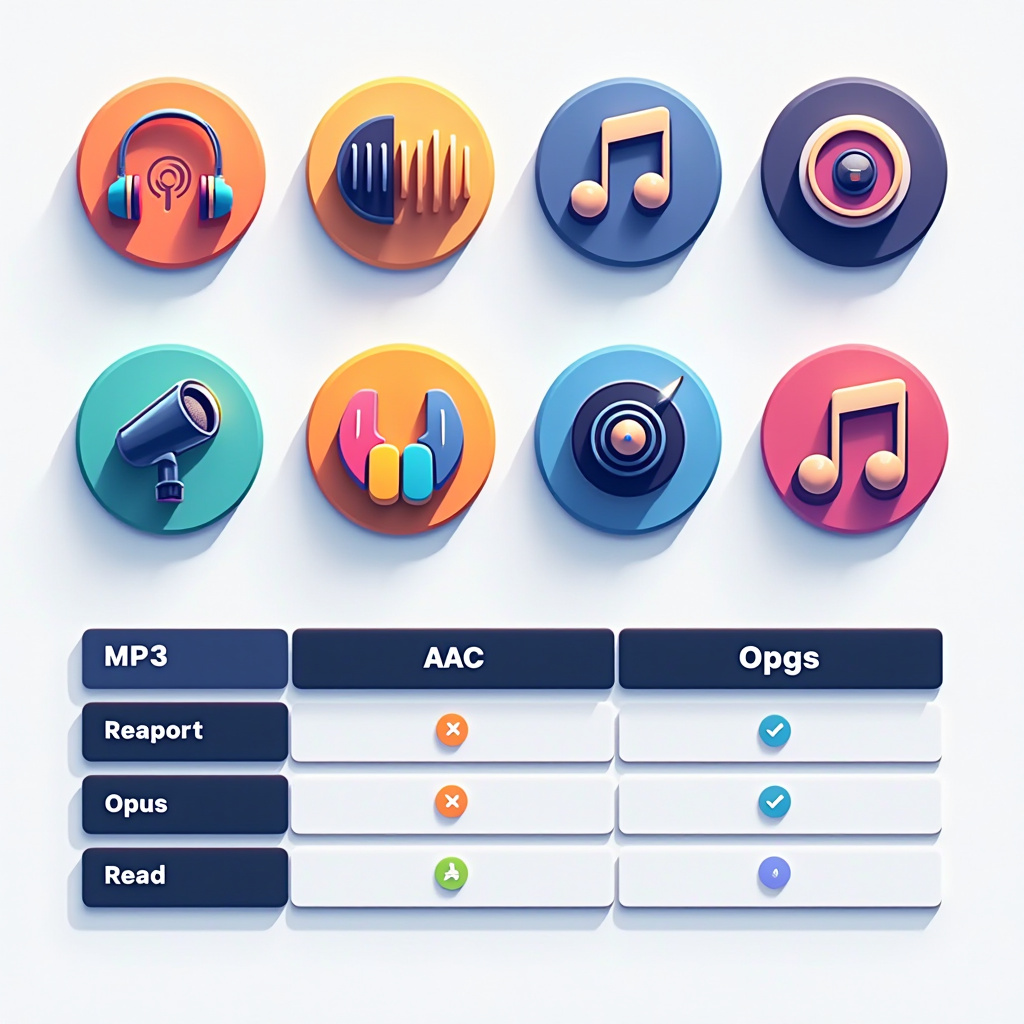
When it comes to codecs, you’re deciding how the raw audio data gets compressed before it even reaches the bitrate stage. The four most common choices for an online radio setup are MP3, AAC, Opus, and Ogg Vorbis.
MP3 is the veteran—every device from old car stereos to modern smartphones supports it. However, its compression efficiency lags behind newer formats, meaning you often need a higher bitrate to match the quality of AAC or Opus.
AAC (Advanced Audio Coding) offers better quality at lower bitrates, making it a favorite for music stations that want to keep bandwidth low. Most iOS devices and many browsers handle AAC natively, but you’ll still encounter legacy hardware that only speaks MP3.
Opus is the rising star. Designed for both speech and music, it outperforms AAC at the same bitrate and even beats AAC at a higher bitrate. It’s fully supported in modern browsers (Chrome, Firefox, Edge) and Android, though some older hardware may need a fallback.
Ogg Vorbis is open‑source and free of royalties, but its browser support is patchier than Opus. It shines in Linux‑centric environments and can be a good secondary stream for listeners who prefer open formats.
Licensing is another practical factor. MP3 and AAC are patented, meaning you may need to pay royalty fees if you broadcast commercially at scale. Opus and Ogg are royalty‑free, which can simplify budgeting for community or hobby stations.
In short, match the codec to your audience’s device mix and your budget. If you have a tech‑savvy crowd that uses modern browsers, Opus is usually the smartest bet. For a mixed audience with older smartphones or car receivers, keep an MP3 fallback ready.

Matching Bitrate & Codec to Your Audience
The best technical choices hinge on who’s tuning in. Start by gathering data on your listeners’ typical connection speeds. LoovaCast’s analytics can show the average download speed per region, letting you spot high‑bandwidth urban hubs versus slower rural zones.
In densely populated cities where 4G/5G is common, you can safely stream music at 128 kbps AAC or 96 kbps Opus without sacrificing quality. Rural listeners on 3G or limited broadband may struggle with anything above 64 kbps, so a fallback stream at 48 kbps MP3 can keep them in the room.
Consider the content type, too. Talk‑show formats demand clarity over richness, so a lower bitrate (64 kbps Opus or even 48 kbps MP3) often sounds perfectly intelligible. Music‑heavy stations, especially genres with complex instrumentation like jazz or classical, benefit from 128 kbps AAC or 96 kbps Opus to preserve dynamics.
Device mix matters as well. If your stats show 70 % of listeners on Android and modern browsers, Opus becomes a natural primary codec. If a sizable chunk uses older Windows Media Player or legacy car stereos, you’ll need an MP3 stream at a compatible bitrate.
Finally, think about regional bandwidth trends. In many parts of Southeast Asia, average mobile speeds hover around 5 Mbps, comfortably supporting a 128 kbps stream. In contrast, certain remote areas of Africa still average under 2 Mbps, making a 48 kbps fallback essential.
Integrating Encoding with Radio Automation
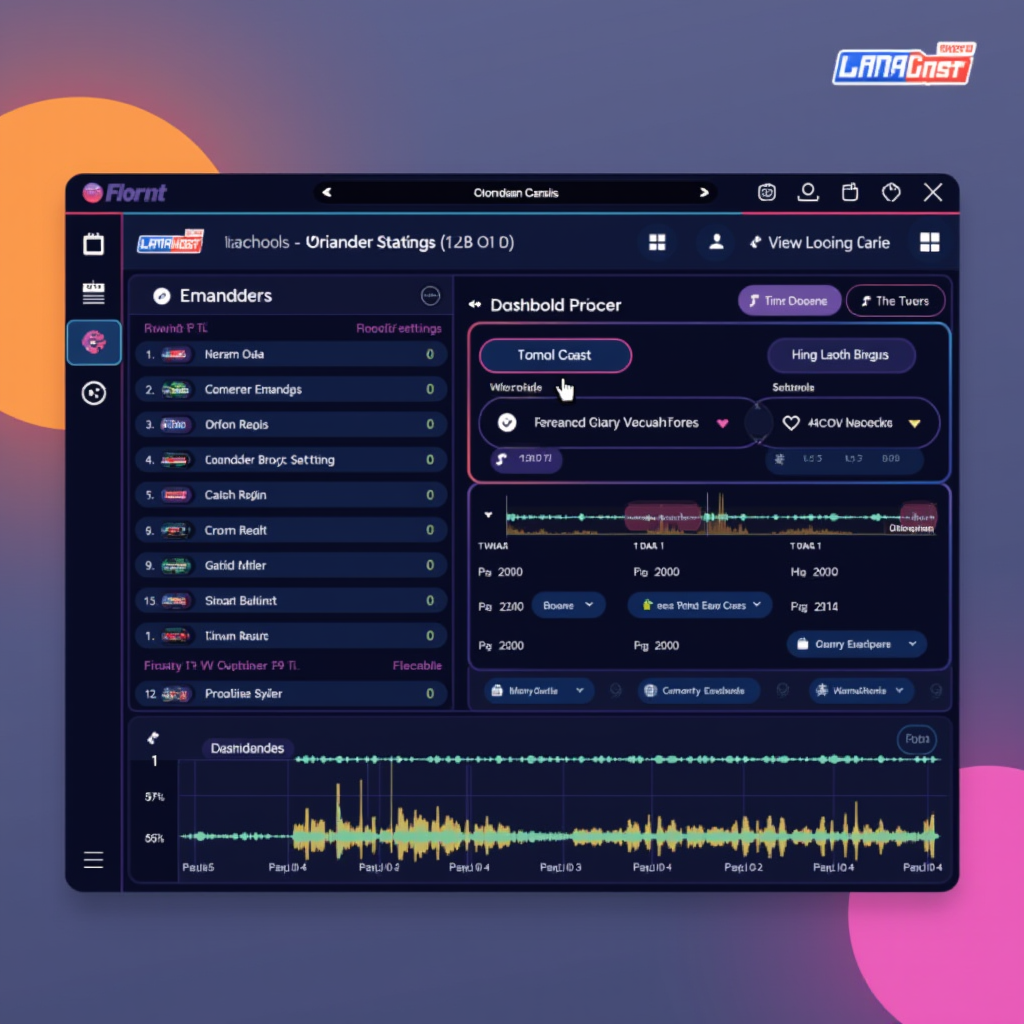
LoovaCast’s automation engine works hand‑in‑hand with your encoder, feeding audio in real time. When you schedule a playlist or a live DJ session, the automation software pushes the raw PCM stream to the encoder, which then compresses it according to the bitrate and codec you’ve set.
Most broadcasters use tools like SAM Broadcaster, RadioDJ, or even open‑source solutions such as Airtime. Inside these programs, you’ll find an “Encoder Settings” window where you can specify:
- Codec (MP3, AAC, Opus, Ogg)
- Target bitrate (e.g., 96 kbps)
- Sample rate (44.1 kHz is standard for music)
- VBR vs. CBR mode (Constant Bitrate is safer for bandwidth budgeting)
In LoovaCast’s dashboard, you can map each automation source to a specific encoder profile. This means you could run a high‑fidelity Opus stream for your daytime music block and automatically switch to a low‑latency MP3 stream for a late‑night talk show.
Don’t forget fallback streams. If the primary encoder drops—perhaps due to a network hiccup—LoovaCast can instantly route listeners to a backup stream you’ve pre‑configured. Set this up in the “Failover” tab, choose a lower‑bitrate MP3 fallback, and test the switch regularly.
Remember to keep your encoder’s buffer size modest (around 500 ms) to reduce latency, especially for live interaction segments. Too large a buffer can cause noticeable delays between on‑air speech and what listeners hear.
Testing, Monitoring, and Tweaking Your Stream
Before you hit “Go Live,” run a short test stream at your target bitrate. Broadcast for five minutes while playing a mix of music, voice, and silence. This helps you catch any compression artifacts or buffering issues early.
Listen on multiple devices: a desktop with headphones, a smartphone over cellular, and a tablet on Wi‑Fi. Pay attention to any distortion, especially during high‑energy tracks, and note if the audio sounds thin on low‑bandwidth connections.
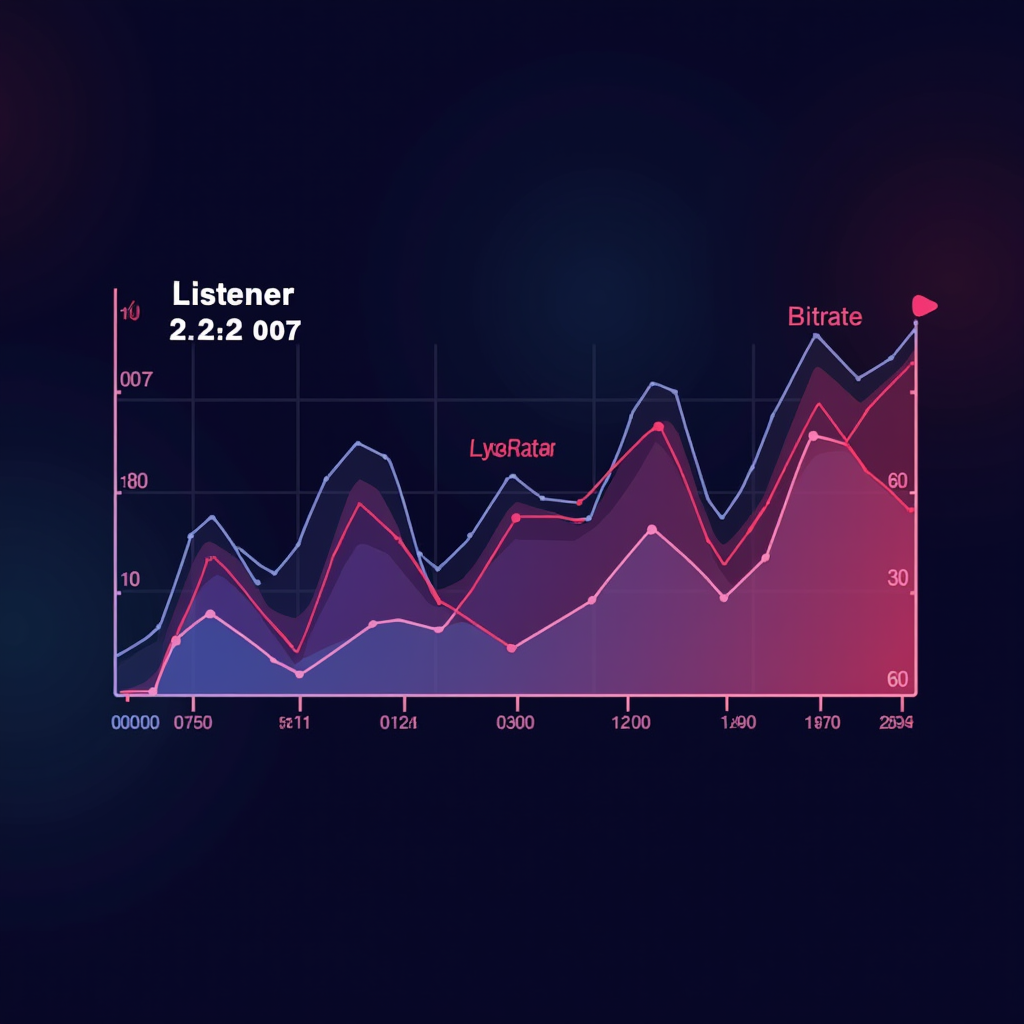
LoovaCast’s real‑time analytics panel shows you key metrics like packet loss, jitter, and listener count per bitrate. If you see a spike in buffering when the audience climbs above 200 listeners, it might be time to lower the bitrate or upgrade your upload bandwidth.
- ☑ Run a 5‑minute test stream at your target bitrate
- ☑ Verify audio quality on desktop, mobile, and low‑bandwidth connections
- ☑ Check LoovaCast’s real‑time stats for packet loss or buffering
- ☑ Tweak encoder settings and repeat until stable
After the test, adjust one variable at a time. Raise the bitrate by 16 kbps and see if listeners notice a quality gain without a buffering penalty. If not, revert and consider a different codec. Continuous monitoring during the first 24‑hour period is crucial; many stations discover hidden bottlenecks only after the initial surge of listeners.
Finally, set up alerts in LoovaCast so you receive an email or push notification if the stream’s error rate exceeds a threshold you define. Proactive alerts let you intervene before listeners start dropping off.
Common Pitfalls & Pro Tips from the Field
One of the biggest myths is “higher bitrate = better radio.” Over‑encoding can waste bandwidth, cause buffering, and even degrade perceived quality if your listeners’ connections can’t keep up. Find the sweet spot where audio sounds rich but remains smooth on the lowest common denominator device.
Latency is another hidden challenge. Certain codecs, especially when used in VBR mode with large buffers, can introduce a 2‑3‑second delay. That’s fine for a music‑only stream but disastrous for live call‑ins. Keep your Opus or AAC buffer under 500 ms for interactive shows.
Codec mismatch is a silent killer. If you broadcast only Opus but a sizable portion of your audience uses older iOS versions that only decode AAC, those listeners will see a blank player. Always provide at least one universally compatible fallback—MP3 at 64 kbps works for almost every device.
Finally, remember that your online radio setup is a living system. As you grow, your audience’s bandwidth capabilities will evolve, and new codecs may become mainstream. Stay flexible, keep an eye on LoovaCast’s analytics, and don’t be afraid to experiment with newer formats like Opus‑Live or even emerging AI‑enhanced codecs.
Ready to launch your station? Get started with LoovaCast — your radio, your way.