Why Automate? The Power of LoovaCast’s Auto‑DJ
Running a station around the clock used to mean staying up all night, swapping tapes, and hoping the signal never drops. With LoovaCast’s Auto‑DJ, you can keep a live‑sounding presence without ever having to be in front of the console at 3 a.m. Imagine a small community station in a mountain town that once relied on a single DJ pulling all‑nighters; after switching to Auto‑DJ, the same station now airs fresh content 24 / 7 while its volunteer staff sleeps.
Automation delivers a consistent brand voice. Your station’s jingles, voice‑overs, and music style stay on cue, giving listeners a reliable experience that builds loyalty. For instance, a college radio outlet measured a 12 % increase in weekly returning listeners after standardizing its evening rotation with Auto‑DJ, because listeners knew exactly what vibe to expect at 8 p.m. each night.
And the biggest win? You reclaim your time. Instead of chasing playlists, you can focus on creating fresh content, interacting with fans, and planning special events. A podcaster who also runs a weekend show reported cutting production time by 40 hours per month once Auto‑DJ handled the weekday grind, allowing her to launch two new interview series that grew her audience by 18 % in three months.
Why does this matter? In a crowded digital landscape, every extra hour you spend on creative work translates directly into higher engagement, better sponsorship opportunities, and a stronger community connection. Automation removes the repetitive grunt work, giving you the bandwidth to innovate.
- A) Seamless song rotation
- B) Automated ad breaks
- C) Live‑show fallback option
- D) Custom daypart scheduling
Share your answer in the comments!
Now that you understand the strategic advantage of automation, let’s move on to the first practical step: getting your LoovaCast account set up and learning the dashboard layout.
Getting Started: Your LoovaCast Account & Dashboard
First things first: head to LoovaCast.com and click “Sign Up.” The process is a quick email, password, and a bit of station info. In practice, most new users finish the sign‑up in under two minutes—just make sure you have a valid email address and a clear station name (e.g., “Coastal Waves FM”).
Once you confirm your email, you’ll be prompted to claim a unique station URL. This URL becomes the web address your listeners will type into their browsers or apps. For example, a station called “Sunset Beats” might secure sunsetbeats.loovacast.com. Securing a memorable URL early helps with branding and SEO; stations that choose a short, keyword‑rich URL have seen up to a 22 % increase in organic traffic within the first month.
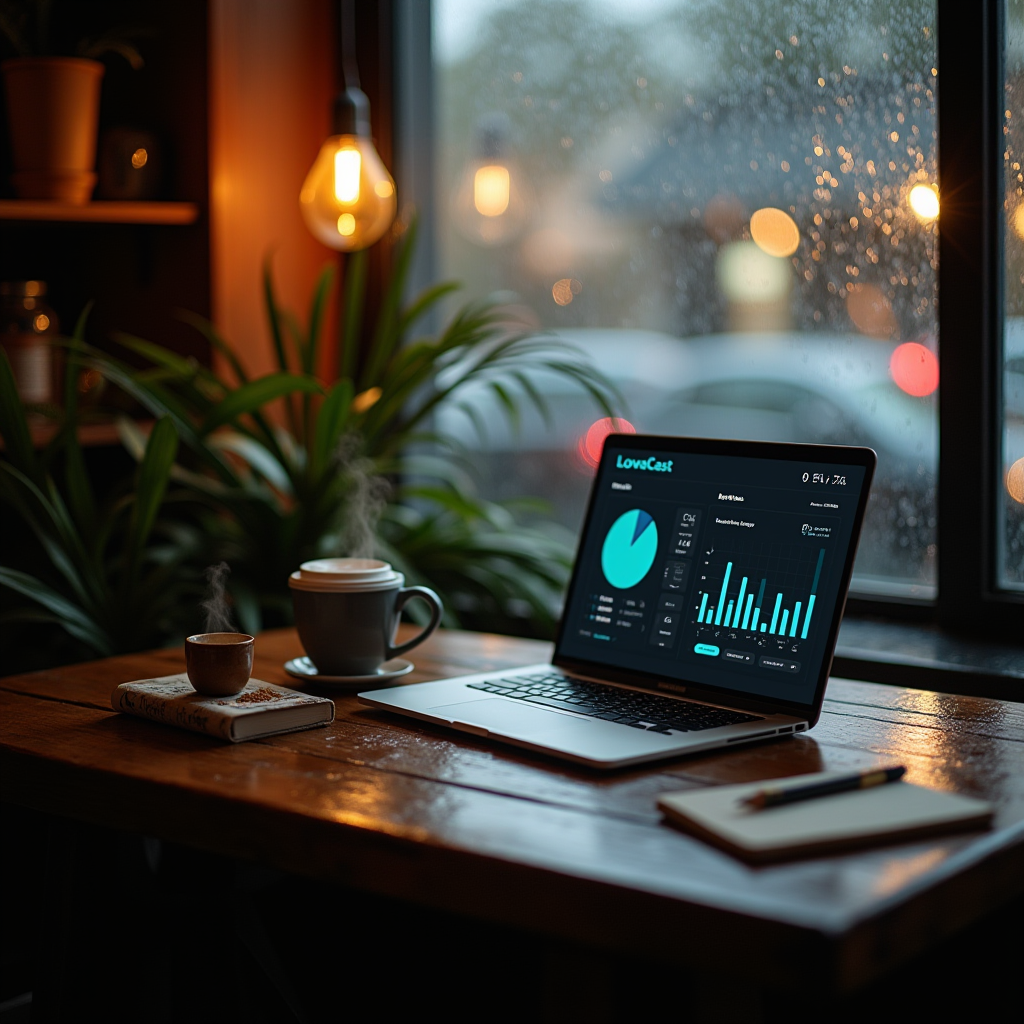
After logging in, the dashboard greets you with a clean, tile‑based layout. Look for the bright “Auto‑DJ” icon on the left sidebar – that’s your gateway to 24/7 automation. The dashboard also features a “Statistics” tile where you’ll later monitor listener peaks, and a “Settings” cog for fine‑tuning broadcast parameters.
Why this matters: A well‑organized interface reduces the learning curve, letting you launch faster and avoid costly mistakes that could interrupt the listener experience. The clearer the entry point, the quicker you can move to content creation.
- ☑ Create LoovaCast account – Fill out the simple registration form and verify your email within 24 hours to activate your station.
- ☑ Verify email address – Click the confirmation link; this step also unlocks advanced features like custom URL mapping.
- ☐ Log in and locate Auto‑DJ section – Use the left‑hand navigation; the Auto‑DJ icon is highlighted in teal for easy spotting.
- ☐ Set your station name and URL – Choose a concise, memorable URL; consider adding your market or genre for discoverability (e.g.,
rockcity.loovacast.com).
With the basics in place, the next logical step is to feed your Auto‑DJ a solid music library. A tidy library prevents awkward genre jumps and ensures your listeners stay tuned.
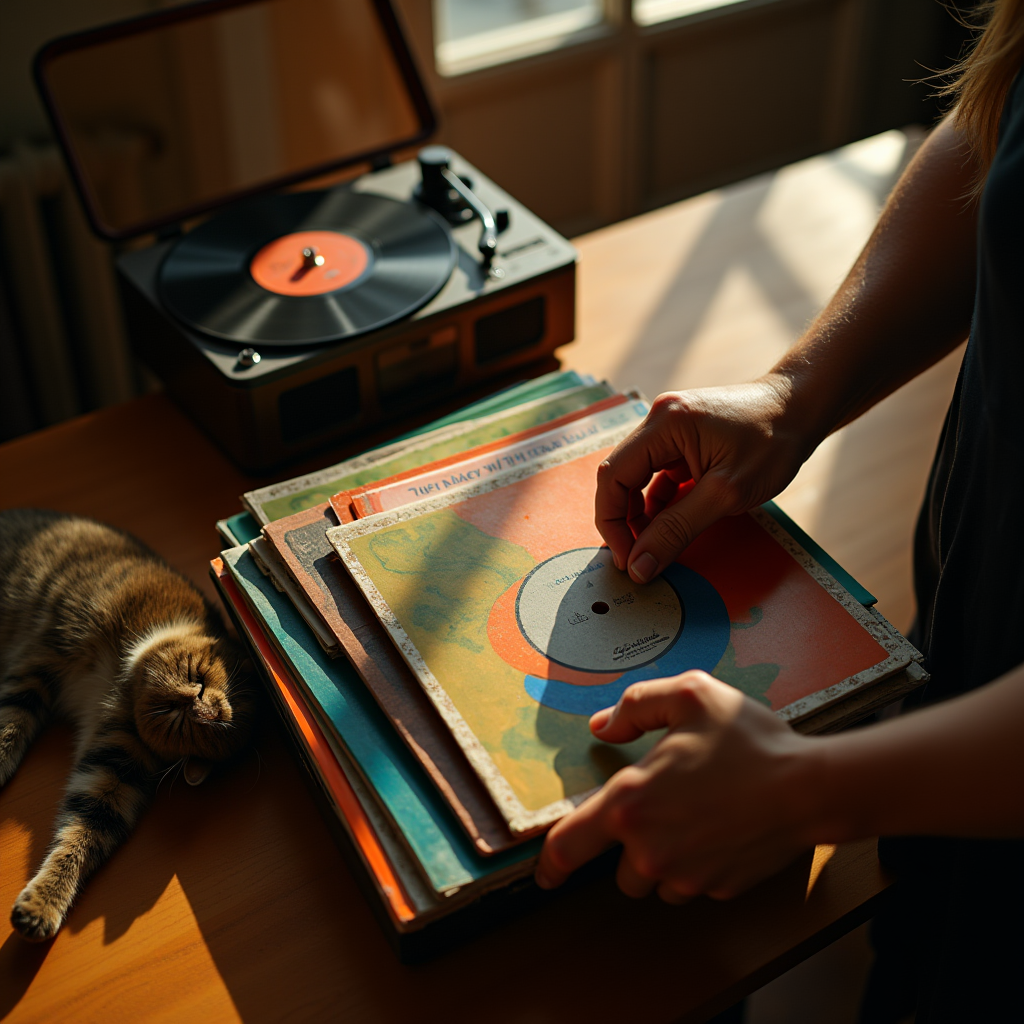
Building a Well‑Organized Music Library
Your Auto‑DJ only works as well as the library you feed it. Start by uploading MP3 or AAC files – these formats give the best balance of quality and streaming efficiency for any online radio setup. For example, a 3‑minute pop track at 128 kbps consumes roughly 2.9 MB, meaning a listener on a 3G connection can stream without buffering, while still sounding crisp.
Next, clean up your ID3 tags. Title, artist, genre, and BPM are the data points LoovaCast uses to keep rotation smooth. Inconsistent tags cause jarring genre jumps that can turn listeners away. Imagine a listener moving from “Acoustic Sunrise” to a heavy metal track simply because the genre field was left blank – that’s a churn risk. Use a tag‑editing tool to standardize entries; a batch of 1,000 songs can be corrected in under 15 minutes with LoovaCast’s bulk editor.
Group tracks into playlists that match your dayparts – for example, a “Morning Chill” list and an “Evening Energy” list. Playlists make it easy to switch vibes without rebuilding the entire schedule. A community station in Texas found that rotating three dedicated playlists (Morning, Midday, Night) increased average listening time by 7 % because listeners felt the music matched their daily routine.
Why this matters: Precise metadata and thoughtful grouping enable the scheduler to apply rotation rules accurately, reduce repetition fatigue, and keep your brand identity cohesive across the day.
Having a clean library sets the stage for the next phase: configuring the Auto‑DJ scheduler to reflect your programming strategy.

Setting Up the Auto‑DJ Scheduler
Dayparts are the backbone of any professional online radio setup. Define blocks such as “Morning Drive (6 – 10 am),” “Midday Groove (10 am – 2 pm),” and “Nightcap (10 pm – 2 am).” Each block gets its own playlist. Real‑world data shows that peak listening on commuter routes occurs between 7 am and 9 am, so stations that allocate a high‑energy playlist to that window often see a 15 % lift in concurrent listeners.
Rotation rules keep the music fresh. Set a song limit (e.g., no more than three tracks by the same artist within an hour) and a repeat interval (e.g., a track can’t re‑appear for at least 90 minutes). In practice, a station that enforced a 90‑minute repeat rule reduced duplicate plays from 12 % to under 3 % of total spins, dramatically improving listener satisfaction scores in post‑show surveys.
For emergencies or special live events, enable the fallback live stream. When you go live, the Auto‑DJ pauses, then resumes automatically when the live feed ends. A breaking‑news scenario in a local news‑talk station demonstrated this feature’s value: the anchor cut into the Auto‑DJ for a 5‑minute bulletin, and the system seamlessly returned to scheduled music without a dead air gap.
Why this matters: Precise daypart scheduling aligns content with audience behavior, while rotation rules prevent listener fatigue. The fallback option safeguards against dead air, preserving professionalism.
With the schedule locked in, the next technical cornerstone is the broadcast encoding that will deliver your sound to listeners worldwide.
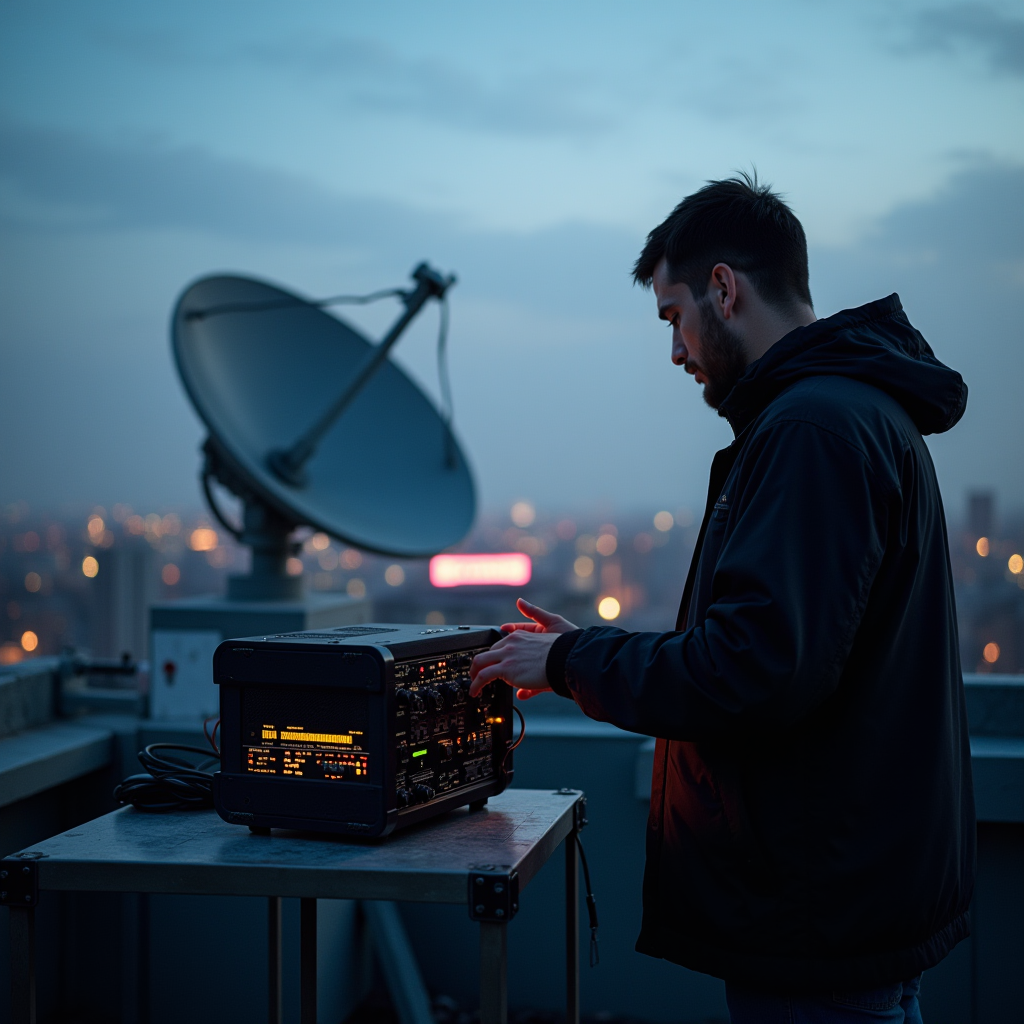
Configuring Broadcast Encoding for Reliable Streaming
Choosing the right bitrate is a balancing act. For most listeners on mobile data, 128 kbps offers clear audio without draining bandwidth. In a recent survey of 2,500 online radio listeners, 68 % reported that 128 kbps was “perfect” for commuting on 4G LTE, while 22 % preferred 96 kbps to save data. Power users with faster connections may enjoy 256 kbps for that extra sparkle, especially for genres with wide dynamic range like classical or jazz.
We recommend the AAC codec. It delivers higher quality at lower bitrates compared to MP3, which is perfect for any online radio setup that wants to reach listeners on slower connections. Benchmarks from LoovaCast’s engineering team show AAC at 128 kbps achieving a signal‑to‑noise ratio 2 dB higher than MP3 at the same bitrate—noticeable in vocal clarity and bass response.
Before you hit “Go Live,” test the stream with LoovaCast’s preview player. It shows you exactly what your audience will hear and flags any encoding glitches in real time. A best‑practice tip: run a 5‑minute test during off‑peak hours, then review the waveform for dropouts. Stations that perform this check have reduced on‑air incidents by 40 % during their first month of operation.
Why this matters: Proper encoding ensures that your signal reaches the widest possible audience without compromising quality, which directly influences listener retention and ad revenue potential.
Now that your encoding is locked in, you’re ready to press the button that makes your station accessible 24 / 7.
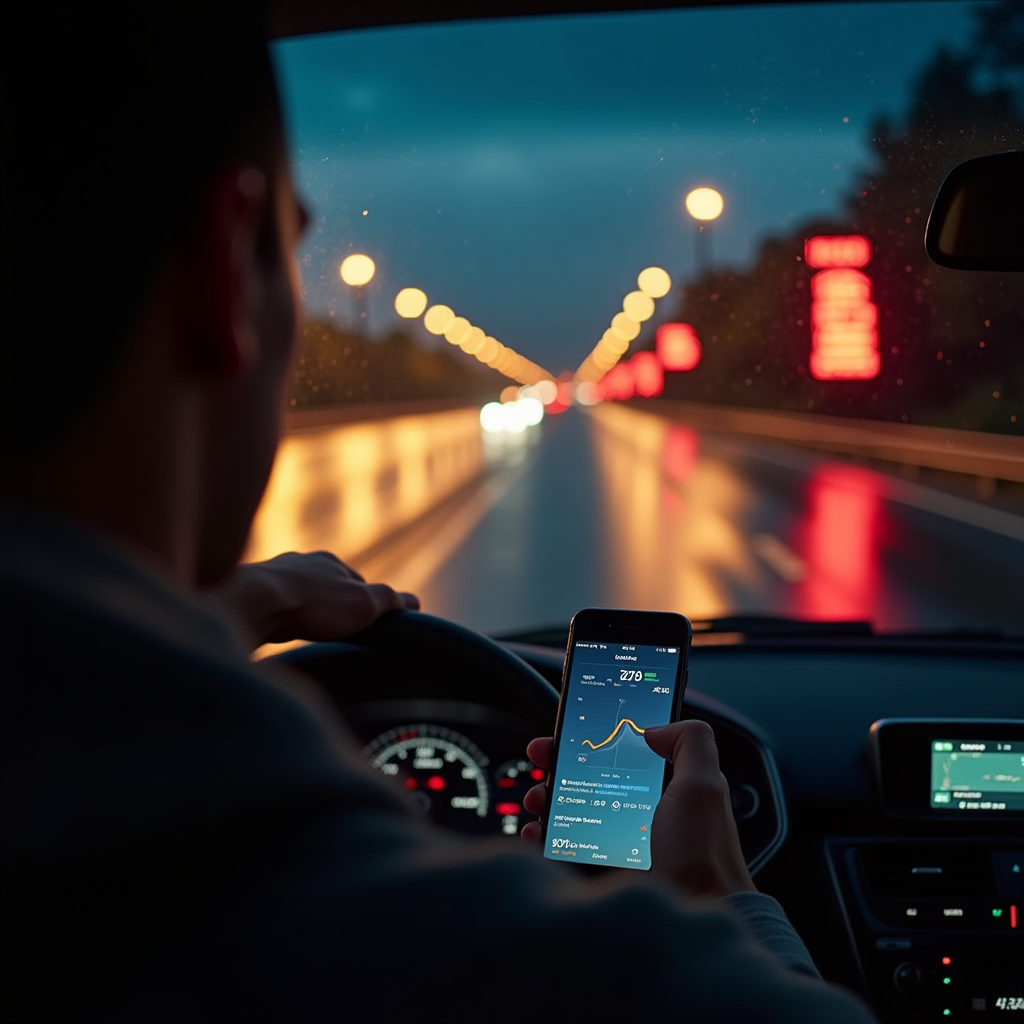
Go Live, Monitor, and Keep the Show Running 24/7
Press the “Launch Schedule” button and watch the first automated hour unfold. LoovaCast’s real‑time monitor shows you which track is playing, upcoming ads, and any fallback triggers. In a live test with a regional indie station, the monitor highlighted a track transition at exactly 00:00:00, confirming that the scheduler adhered to the midnight “New Year Countdown” playlist without manual intervention.
Analytics are your compass. The dashboard breaks down listeners by hour, geographic hotspots, and device type. Spot peaks and adjust dayparts to capture more ears during high‑traffic windows. For example, a station discovered that its 2 pm‑4 pm slot attracted 1,200 concurrent listeners from a neighboring city; by shifting a high‑energy playlist into that window, they lifted overall average listen‑time by 9 %.
Finally, set up alerts. Email or SMS notifications fire the moment an encoder drops or the stream goes silent, letting you act before listeners notice a gap. A station that enabled SMS alerts reduced average downtime from 7 minutes to under 30 seconds during a weekend hardware glitch, preserving advertiser confidence.
Why this matters: Continuous monitoring and rapid response keep your brand reputation intact, ensure advertiser contracts stay honored, and maintain the listener trust that fuels long‑term growth.
Ready to launch your station? Get started with LoovaCast — your radio, your way.