Plan Your Remote DJ Network
Before you press “go live,” map out every spot where a DJ will spin. Whether it’s a home studio tucked under a bedroom door, a mobile rig in a van, or a pop‑up booth at a local market, each location brings its own acoustic quirks and connectivity limits. Write these details into a simple spreadsheet: address, time zone, equipment list, and the primary internet source you’ll rely on.
Next, decide on the connection method for each site. Wi‑Fi is convenient, but it can be noisy in apartment buildings. Ethernet gives the most stable pipe, while 4G/LTE or 5G serves as a reliable backup when cabling isn’t possible. Test both the primary and secondary links at least 48 hours before the first broadcast, and keep a portable hotspot in the DJ’s bag as a safety net.
Finally, set clear audio quality expectations. Talk‑show hosts can stream comfortably at 128 kbps, while music‑heavy sets benefit from 256 kbps or higher. Agree on a latency tolerance—usually under 200 ms—for smooth hand‑offs between DJs. Communicate these standards early, so everyone knows what “good enough” sounds like.
- 1️⃣ Stable internet connection
- 2️⃣ Syncing audio latency
- 3️⃣ Managing multiple feeds
- 4️⃣ Other (comment below)
Share your answer in the comments!
Pick the Right Broadcast Encoding Settings
Choosing the proper bitrate is the first step in a solid online radio setup. For voice‑only shows, 128 kbps MP3 or AAC provides crystal‑clear speech without chewing up bandwidth. When you’re playing full‑range music, bump the bitrate up to 256 kbps or even 320 kbps if your audience expects audiophile quality.
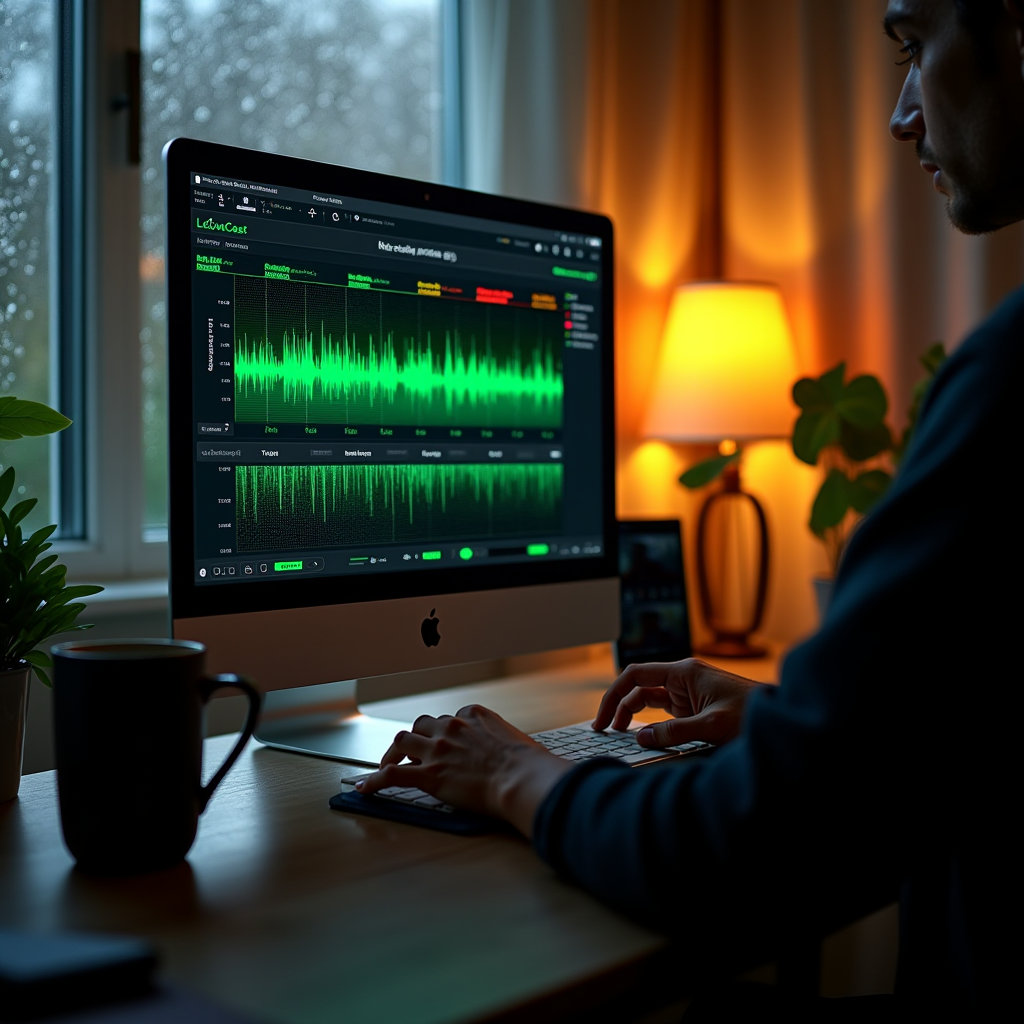
The codec decision—AAC versus MP3—depends on your listener base. AAC delivers better quality at lower bitrates, which is great for mobile listeners on limited data plans. MP3, however, enjoys universal compatibility, especially on older hardware. LoovaCast lets you toggle between them with a single click, so you can experiment without re‑encoding each track.
Enable LoovaCast’s adaptive streaming feature. It monitors each DJ’s connection in real time and automatically shifts the bitrate up or down to keep the stream alive. This is a lifesaver when a DJ moves from a wired Ethernet connection to a 4G hotspot mid‑show.
Set Up LoovaCast Studio for Multiple Live Feeds
Start by creating a ‘Multi‑Feed’ station in your LoovaCast dashboard. This single station will act as the hub where all remote DJs converge. Assign each DJ a unique stream key—think of it as their personal password—to keep feeds separate and secure.
The built‑in Mixer is where the magic happens. You can drag and drop each incoming feed onto its own channel, add intro and outro jingles, and apply a light compressor to smooth out volume spikes. The Mixer also lets you pre‑assign fade‑ins and fade‑outs, so the transition from one DJ to the next feels like a professional broadcast.
Before you go live, run a solo test for every DJ. Verify that the stream key works, the audio levels sit between –12 dB and –6 dB, and that the latency stays under your agreed threshold. Once each feed passes, pull them together in a rehearsal session to iron out any mix‑bus conflicts.
- ☑ Create Multi‑Feed station
- ☑ Generate unique stream keys for each DJ
- ☑ Configure LoovaCast Mixer layout
- ☑ Run individual feed tests
- ☑ Conduct full‑stack rehearsal
Integrate Radio Automation and Scheduling
Automation is the glue that holds an online radio setup together when you have multiple remote shows. Upload your music library into LoovaCast’s Automation tab, then set rotation rules—like “play a 3‑hour block of indie rock after every talk show.” The system will automatically queue the right tracks while waiting for a live feed to come online.
Schedule each DJ’s slot in the calendar view. LoovaCast will auto‑switch to the next scheduled feed when the current one ends or if a connection drops. This prevents dead air and keeps your audience engaged, even when a remote DJ’s internet hiccups.
Finally, add short voice‑over placeholders between shows. A 5‑second “You’re listening to XYZ Radio, stay tuned” clip can be inserted automatically, giving you a professional hand‑off without needing a live operator.
Test, Monitor, and Go Live
The final stretch of any online radio setup is the dry‑run. Bring all DJs online at the same time and watch latency numbers on the LoovaCast analytics dashboard. Aim for a consistent 150‑200 ms delay between the source and the listener; anything higher can cause echo or out‑of‑sync mixes.
Keep an eye on bitrate health. If the dashboard shows frequent drops below your target (e.g., 256 kbps slipping to 128 kbps), consider lowering the bitrate or switching the codec for that feed. LoovaCast also logs error codes, which you can review after the rehearsal to pinpoint problem areas.
Set up real‑time alerts—email or SMS—so you’re notified the moment a feed disappears. With a quick click you can either switch to the automated playlist or call the DJ to troubleshoot. This proactive monitoring turns a potential disaster into a smooth recovery.
Advanced Troubleshooting & Community Resources
Even the best‑planned online radio setup encounters hiccups. Start with LoovaCast’s built‑in diagnostics: run a codec compatibility test to ensure every DJ is streaming AAC at 44.1 kHz. If you see packet loss percentages above 2 %, ask the DJ to switch from Wi‑Fi to a wired Ethernet or a stronger 5G hotspot.
Join the LoovaCast broadcaster forum. It’s a lively place where peers share custom OBS filters, Vmix transition presets, and even scripts for automated shout‑outs. You’ll often find a solution that’s been battle‑tested by a DJ who ran a similar remote show.
Don’t forget third‑party tools. OBS Studio can add graphic overlays that LoovaCast alone doesn’t support, while Vmix offers advanced live‑switching capabilities. Pair them with LoovaCast’s encoding endpoint, and you get a hybrid workflow that maximizes flexibility without sacrificing reliability.
When you hit a roadblock, remember the community is just a click away. Post a detailed log, include screenshots of your LoovaCast dashboard, and you’ll usually get a helpful reply within minutes. Collaboration is the secret sauce that turns a decent online radio setup into a thriving network of remote DJs.
Ready to launch your station? Get started with LoovaCast — your radio, your way.