LoovaCast
Learn Broadcasting

STREAMING 101

Everything you need to know to launch your first internet radio station

What You’ll Need

Get started with these three essentials

💻

Computer / Laptop

Any modern computer with a web browser and internet connection will work perfectly for managing your station.

🌐

Internet Connection

A stable, reliable internet connection ensures your stream stays online 24/7 without interruptions.

🎵

Music Library

Curate your content with your own music collection or choose from our royalty-free catalog.

5-Step Getting Started Guide

Launch your station in just five simple steps

01

Choose Your Plan

Select the perfect plan for your streaming needs. Upgrade anytime as you grow.

02

Set Up Station

Name your station, add branding, and write a compelling description that attracts listeners.

03

Upload Music

Drag and drop your tracks, organize them with tags, and build your music library.

04

Build Schedule

Create broadcast clocks and organize playlists for automated or live streaming.

05

Go Live

Enter the on-air studio and start streaming. Share your station link with the world.
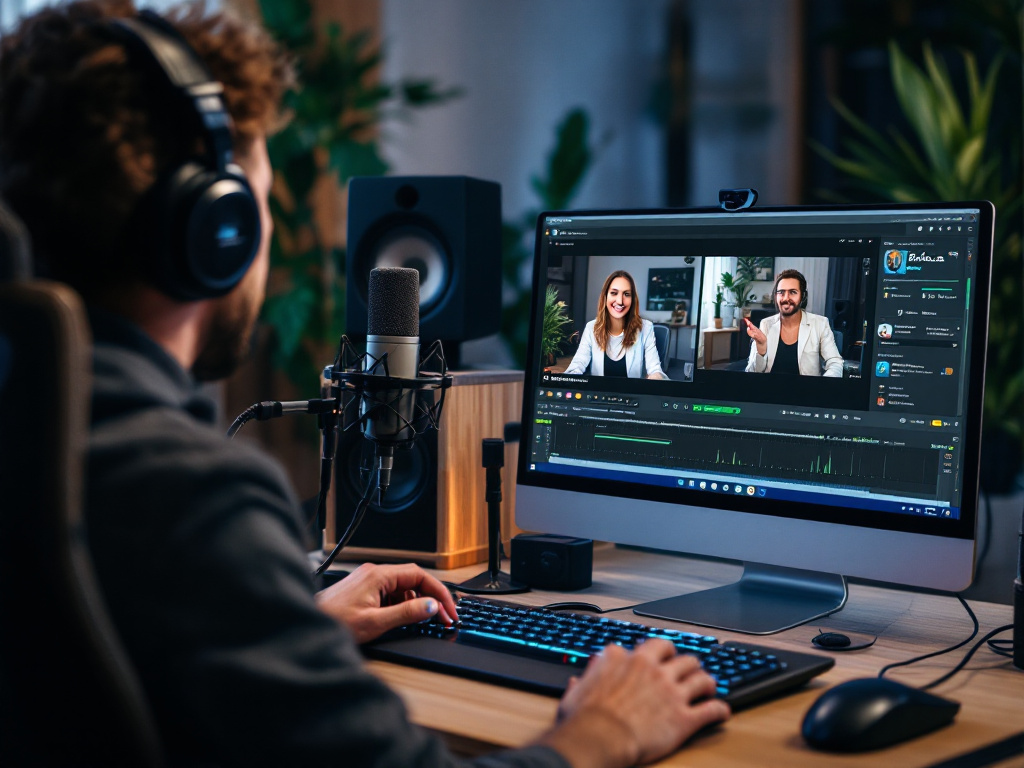
LoovaCast Dashboard Preview

Your Control Center Awaits

Manage everything from one intuitive dashboard designed for both beginners and professionals. Access your settings, monitor listener activity, and broadcast live all from one place.

Beyond the Basics

Advanced features to take your station to the next level

🎙️

Voice Tracking

Record personalized intros and outros between songs for a professional broadcast feel.

🤖

AI DJ

Let artificial intelligence create dynamic, engaging shows based on your preferences.

🎙️

Podcasts

Distribute your podcast episodes alongside your regular streaming content seamlessly.

📊

Analytics

Track listener engagement, peak hours, and audience demographics in real time.

💰

Monetization

Earn revenue through sponsorships, ads, and listener support directly in your dashboard.

🎧

Voice Requests

Let listeners request songs and engage with your station through voice commands.

Beginner FAQ

Answers to common questions from new broadcasters

Do I need any special equipment to start streaming?+
No special equipment is required. All you need is a computer with an internet connection and a web browser. LoovaCast handles all the technical aspects of streaming, so you can focus on creating great content.
Can I stream 24/7?+
Absolutely! LoovaCast supports continuous streaming. You can set up automated playlists to run 24/7, or manually manage your station. Many broadcasters use a combination of both for flexibility and control.
What music can I stream?+
You can stream your own music collection or use our curated royalty-free catalog. Make sure you have the rights to stream any music you broadcast. LoovaCast also provides licensing guidance to help you stay compliant.
How many listeners can my station support?+
LoovaCast infrastructure scales automatically to handle as many concurrent listeners as your plan allows. Our enterprise plans support unlimited listeners. Check our pricing page for specific listener limits for your plan.
Can I take my station offline temporarily?+
Yes, you can pause your stream anytime from the dashboard. Your station page and settings remain intact while you’re offline, so you can easily resume broadcasting whenever you’re ready.
What kind of support is available?+
We offer comprehensive support including live chat, email, and knowledge base articles. Premium plans include priority support with dedicated assistance from our team. Check our support page for more information.

READY TO START? PICK YOUR PLAN

Join thousands of broadcasters streaming with LoovaCast. Choose a plan that fits your needs and launch today.

View Pricing Plans